Changing webcam settings in SimplyPrint (flip and rotate webcam)
Written By Albert Møller Nielsen
Last updated 6 months ago
Finding the webcam settings
- Locate the printer settings
- Go to "Modifications"
- Click "Webcam"
About the webcam settings
The webcam settings include;
- "Does this printer have a camera"?
This is usually automatically detected by SimplyPrint. If this is not the case with your printer, please refer to our My camera doesn't work for OctoPrint / SimplyPrint article.
- Flip webcam horizontally
- Flip webcam vertically
- Rotate the webcam 90 degrees counterclockwise
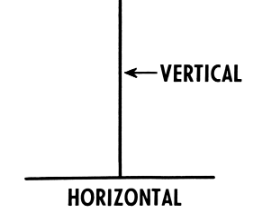
These settings should allow you to position your camera view just right for you!
Still need help? Ask the team